
Background setup
Installation runs as a managed job, with timing determined by the game and update size.

Game servers
Choose a supported game, select an available plan and manage the server through your HostMachine account.
Supported games
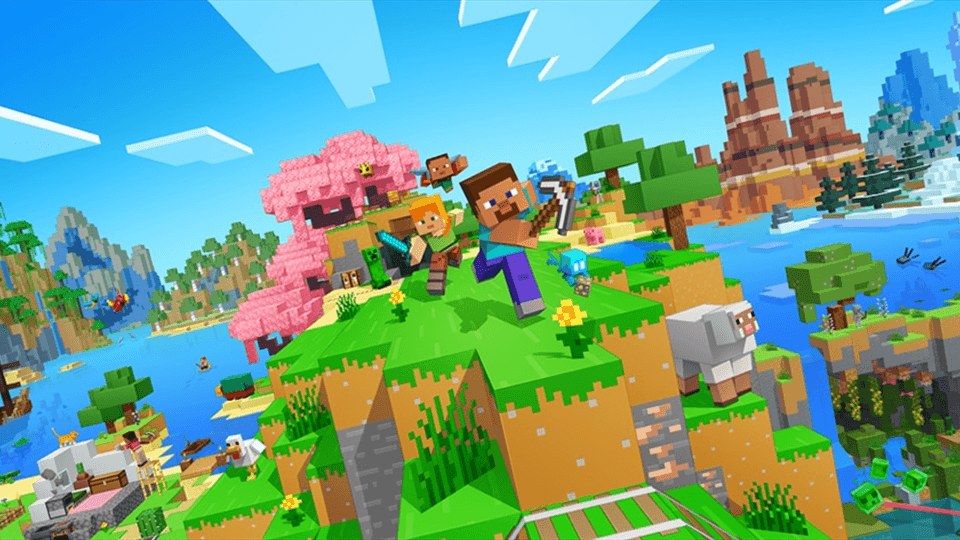
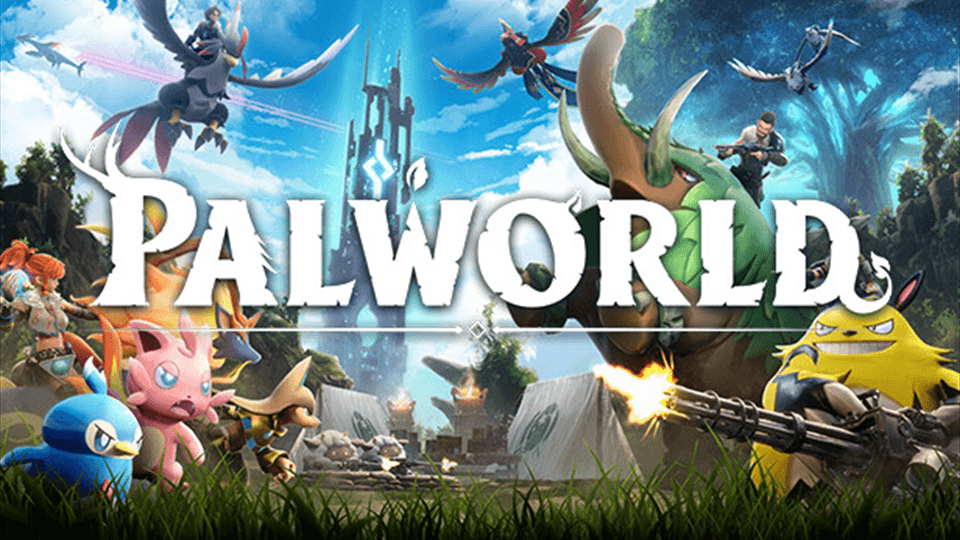
Each game page shows the packages currently present in the HostMachine catalogue. A game may be temporarily unavailable when service health or capacity changes.
View available plans
View available plans
View available plans
View available plans
7 games in the supported catalogue
Platform controls
Installation runs as a managed job, with timing determined by the game and update size.

The platform is designed to separate customer workloads and restrict management access.

Available console, file, setting and schedule controls depend on the selected game.

Service state is reflected in the customer account without relying on marketing availability claims.

Workload isolation
Game hosting is designed around container-backed workloads, explicit resource policies and account-scoped service access.
Location availability
HostMachine does not publish a city as available until the relevant game, plan, network path, and capacity are ready. Check the service path for current options.

Australian-focused hosting
Locations vary by game, plan, capacity, and launch stage. Available options are shown with the relevant service.
Game-specific plans
Memory, storage, resource limits and pricing vary by game. Open a supported game to see the packages currently listed for that workload.
When a package is unavailable, the game page shows a controlled availability message instead of an invented price or deployment promise.
Choose a GameCustomer account